Published by AutoPosting Pro. Competitor prices and features come from each vendor's official page, linked below and reviewed November 3, 2026. We have not independently tested every service. Prices change, and several are introductory or limited-time offers, so confirm them on the vendor's page before you buy.
The short answer
The best Facebook Marketplace posting tool for a car dealer depends on three things: where your inventory comes from, which computer does the posting, and who answers buyers. Here is how the tools in this guide line up:
- Post from your dealership website inside Chrome: AutoPosting Pro. Individual is $9.90 for the first month, then $29.90/month, with AI captions, price updates, renewals and sold-car cleanup.
- A native desktop app with posts-per-day tiers: AutoLander, from $39/month for 5 posts a day.
- Start free: TurboSell (5 cars live at a time) or CARVID Lite (3 posts a day, manual click to post).
- Marketplace plus social video and an AI inbox: CARVID, from $249/month on its Fall 2026 special.
- A DMS-fed agent set up with you: DealerFlow, from $399/month per location on Windows.
This is a fit guide, not a universal winner. Facebook still decides whether it accepts each listing, whatever tool you use.
Prices and workflows at a glance
Published prices for one user or location, read on each vendor's official page on November 3, 2026. Introductory and limited-time prices are labeled as the vendor labels them.
| Tool | Where it runs | Published price | Fits |
|---|---|---|---|
| AutoPosting Pro | Chrome extension; our server reads your dealership website every night | Individual $9.90 for the first month, then $29.90/month; Studio $99.90/month adds AI photo edits and AI buyer replies; Dealership $499/month for one location and 10 people; Dealership AI $799/month adds team AI photos and replies | Salespeople and dealerships posting website inventory from Chrome, with AI replies on Studio and Dealership AI. |
| AutoLander | Desktop app for Windows, macOS and Linux, with a cloud service | Starter $39/month (5 posts a day), Growth $59 (10 a day), Pro $79 (15 a day); Dealer from $117/month for three seats; 5 free posts, no card | Reps and teams who want a native desktop app and published posts-per-day tiers. |
| TurboSell | Browser extension for Chrome and Edge | Free for 5 cars live at a time; Seller $9.99 the first month, then $39/month ($390/year); Store $199/month for every seller at one store, 14-day free trial | A salesperson who wants to start free, or a store that wants one price for every seller. |
| ZenLite Pro | Extension tools on Windows 10 or 11 (its site says Mac users need Parallels or Remote Desktop) | Individual $69 per user/month plus tax; Dealership $169 per user/month plus tax; 15-day free trial | Windows-based reps or stores that want a per-user license with a trial. |
| AutoLister Pro | Chrome extension | Salesman $99/month, Personal Website $149, Total Access $299, Dealership from $799 (shown as limited-time rates) | Reps who also want Facebook group sharing, Instagram and TikTok posting, or a personal branded website. |
| CARVID | Dealership marketing platform with DMS feeds and social channels | Lite free (3 posts a day, manual click to post); Solo Dealer $249/month as a Fall 2026 special (listed at $349; 1 user, 9 posts a day); Growth $499 for up to 5 users (Fall 2026 special, listed at $565); Enterprise $799 for up to 10 users (Fall 2026 special, listed at $849) | Dealers who want Marketplace plus social video and posting across several platforms, with a DMS feed. |
| DealerFlow | Agent on a Windows 10 or 11 computer, fed by your DMS or inventory feed | Standard $399/month per location (150 vehicles, 3 Facebook accounts, 5 team members); Unlimited $599/month; custom pricing for dealer groups | Stores that want a DMS-fed setup done with them on a call, running on a Windows computer. |
A higher daily posting allowance, or unlimited inventory, does not mean Facebook will accept unlimited posts. Compare allowances with how many cars you actually add each day, and read how to plan around posting limits.
What to check with each tool
AutoLander
Reps and teams who want a native desktop app and published posts-per-day tiers. Each tier caps daily posts, so match it to how many cars you add per day. Its site says it does not reply to buyers or manage your Marketplace inbox. Read AutoLander's official pricing. See AutoPosting Pro vs. AutoLander for a side-by-side.
TurboSell
A salesperson who wants to start free, or a store that wants one price for every seller. Its pricing page says cars you posted stay up if you go back to the free plan, which allows 5 new cars live at a time. Ask how it reads your inventory. Read TurboSell's official pricing.
ZenLite Pro
Windows-based reps or stores that want a per-user license with a trial. Confirm Mac support for your team before buying, and compare the per-user Dealership price with flat team plans. Read ZenLite Pro's official pricing. See AutoPosting Pro vs. ZenLite Pro for a side-by-side.
AutoLister Pro
Reps who also want Facebook group sharing, Instagram and TikTok posting, or a personal branded website. Its prices are marked limited-time, so ask for the price after the offer and which features each tier includes. Read AutoLister Pro's official pricing. See AutoPosting Pro vs. AutoLister Pro for a side-by-side.
CARVID
Dealers who want Marketplace plus social video and posting across several platforms, with a DMS feed. Its AI Inbox is included on Solo and is a paid add-on on the other plans ($99/month on Lite, $299 on Growth, $499 on Enterprise). Read CARVID's official pricing.
DealerFlow
Stores that want a DMS-fed setup done with them on a call, running on a Windows computer. Setup starts with a demo, and the computer running its agent has to stay on during posting hours. Read DealerFlow's official pricing.
Already running DealerCenter as your DMS? Ask about its own Marketplace auto-uploader, and see how it compares.
Where AutoPosting Pro fits
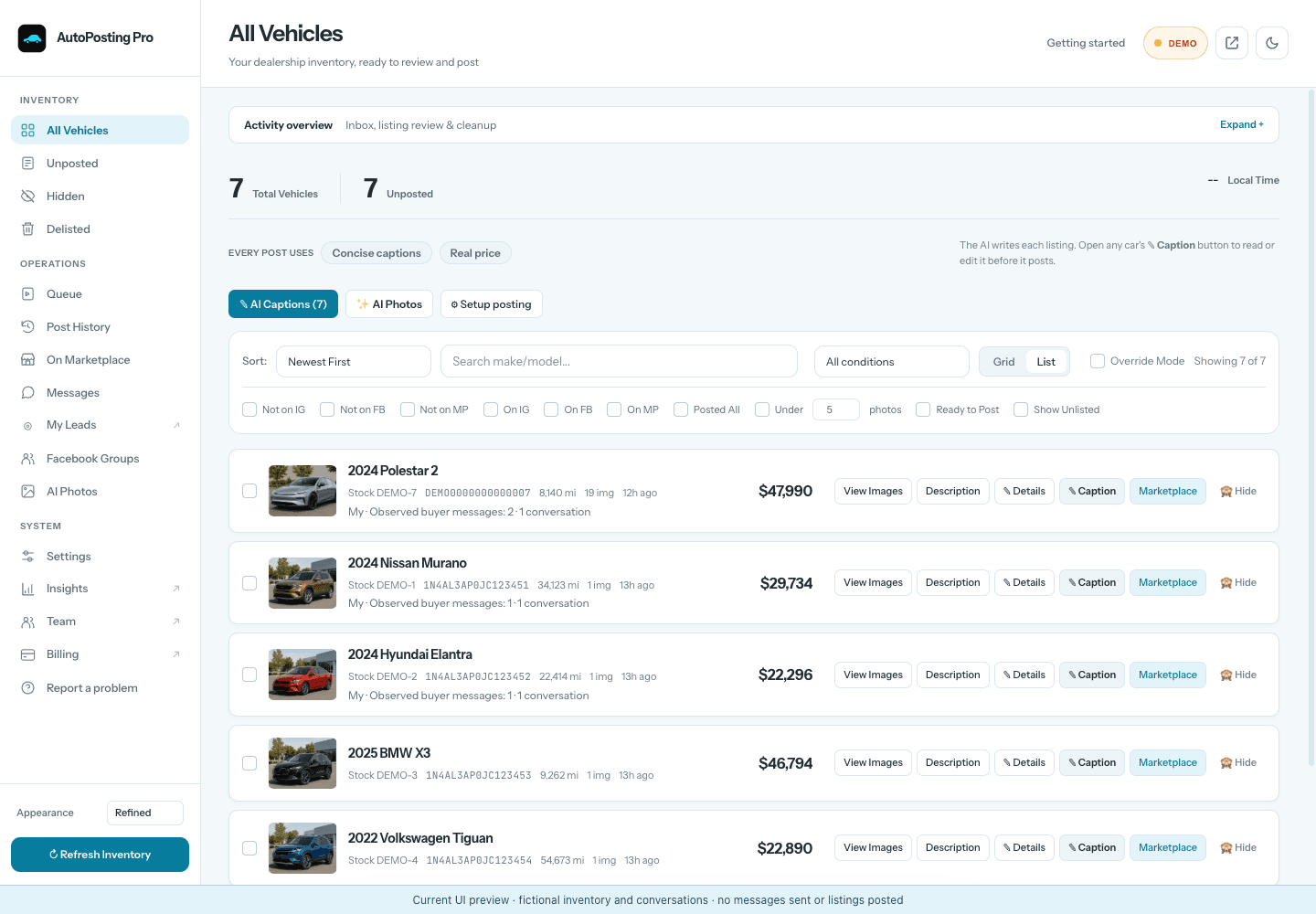
AutoPosting Pro is a Chrome extension for salespeople and dealership teams. Our server reads your dealership's website every night, checks each car's details and photos, and keeps the last good inventory if a refresh looks wrong, so you do not need a DMS feed. See the inventory verification checklist.
You review each car, edit the AI caption, choose photos and send it to a visible posting queue in the Facebook account already signed in to Chrome. AutoPosting Pro never asks for your Facebook password. Individual includes automatic price adjustments when posting, renewals of every listing Facebook offers to renew, and delisting when sold cars leave your website inventory, while your computer is awake with Chrome open.
Studio adds reviewed AI photo backgrounds and AI buyer replies that answer from the car's real details and your playbook. They confirm the car is available, send the listing link and your number, and book visits in your saved hours, but never negotiate price or trade value over chat. AI photo edits can change details of the car, so keep only accurate ones. See how buyer replies work.
Prices are in USD. A three-day first-inventory guarantee covers the inventory connection, not Facebook's decisions, leads or sales. See current plans and the exact terms.
Choose in one afternoon
- Count your daily new cars. Compare that with each plan's posts-per-day allowance, not just its inventory limit.
- Pick where posting runs. A Chrome extension, a desktop app or a Windows agent each need that computer on while posting.
- Check your inventory source. Dealership website, DMS feed or CSV: ask the vendor to load your real cars and show any that are missing photos or prices.
- Decide who answers buyers. Your team in Messenger, a saved first reply, or an AI that answers automatically. Ask to see the handoff to a person.
- Price the whole team. Add seats, AI add-ons and the price after any first-month or limited-time offer.
For a demonstration script you can use with every vendor, see the salesperson's software buying checklist. Comparing extensions only? Read the Chrome extension guide.
How we built this list
We included tools that publish a Facebook Marketplace posting product for car dealers. Every price above was read on the vendor's own pricing page on November 3, 2026; we did not use third-party lists or reviews for prices. It is a selection, not every tool on the market: CarLister Pro, AutoPost and others also sell Marketplace posting tools, and our comparisons page covers more of them. We did not test competing services, so the fit notes describe what each vendor advertises, not measured results.
Common questions
What is the best Facebook Marketplace posting tool for car dealers in 2026?
It depends on where your inventory comes from and who answers buyers. For dealership-website inventory, AI captions and posting inside Chrome, shortlist AutoPosting Pro (Individual is $9.90 for the first month, then $29.90/month). Choose AutoLander for a native desktop app with posts-per-day tiers, CARVID for Marketplace plus social channels and an AI inbox, and DealerFlow for a DMS-fed Windows agent set up with you. TurboSell and CARVID Lite have free plans to start. This list is published by AutoPosting Pro and is not an independently tested ranking.
How much does Facebook Marketplace posting software for car dealers cost?
Among the seven tools in this guide, on the official pricing pages we reviewed on November 3, 2026, the cheapest paid plan for one user or location runs from $29.90 to $399 a month, depending on the tool. TurboSell and CARVID Lite have free plans with posting limits. Team pricing varies: AutoLander's Dealer plan starts at $117/month for three seats, TurboSell Store is $199/month for every seller at one store, and AutoPosting Pro Dealership is $499/month for 10 people. Check introductory and limited-time prices before you compare.
Which posting tools reply to Marketplace buyers with AI?
On AutoPosting Pro Studio, and on Dealership AI once each salesperson turns them on, AI replies answer buyers from the car's real details and your dealership playbook while Chrome is open; they never negotiate price or trade value over chat, and you can switch to drafts or take over any conversation. CARVID sells a 24/7 AI Inbox, included on its Solo plan and an add-on on the others. AutoLander says it does not reply to buyers. For the other tools, ask for a demonstration of exactly what sends automatically.
Do I need a DMS or inventory feed to use these tools?
Not for every tool. AutoPosting Pro's server reads your dealership website every night, so no DMS feed is required. AutoLister Pro advertises a built-in inventory scraper. DealerFlow and CARVID connect to your DMS or inventory feed. If you already use DealerCenter as your DMS, ask about its own Marketplace auto-uploader too.
Can any of these tools guarantee leads, sales or a safe Facebook account?
No. Facebook decides who can use Marketplace and whether it accepts each listing, and no posting tool can promise leads, sales or freedom from account restrictions. Compare how clearly each tool shows what posted, what failed and what still needs you.
If you want your dealership website's inventory, AI captions and Marketplace posting together in Chrome, see the AutoPosting Pro extension or compare plans.