A Chrome extension for auto dealers. Your inventory, ready for Marketplace.
We read your dealership website and bring your cars into Chrome. You queue Facebook Marketplace posts that publish from your own signed-in Facebook session, with no third-party Marketplace API. The same vehicle record drives automatic editable AI captions, photo review, auto-renew, sold-car delisting and Marketplace Messages, including a customizable salesperson-written template auto-reply. On Studio, AI replies also answer your buyers automatically.
Current plan: $9.90 first month, then $29.90/mo · cancel anytime
Available on the Chrome Web Store
The store currently installs the public extension. Add it to Chrome, sign in with your AutoPosting Pro account, and stay signed in to Facebook in that Chrome profile.
Every feature on this page is in the current Chrome Web Store version, and Chrome keeps your extension updated.
Everything the Manager does, without leaving Chrome.
Your lot, synced from your website
There is no fixed dealership-vendor list. Our server reads your website every night and updates your inventory only after the cars and their own photo galleries pass checks.
Posts from your own Facebook session
Marketplace listings publish from the Facebook account already signed in to the salesperson’s Chrome profile. There is no shared posting account.
Queue with human pacing
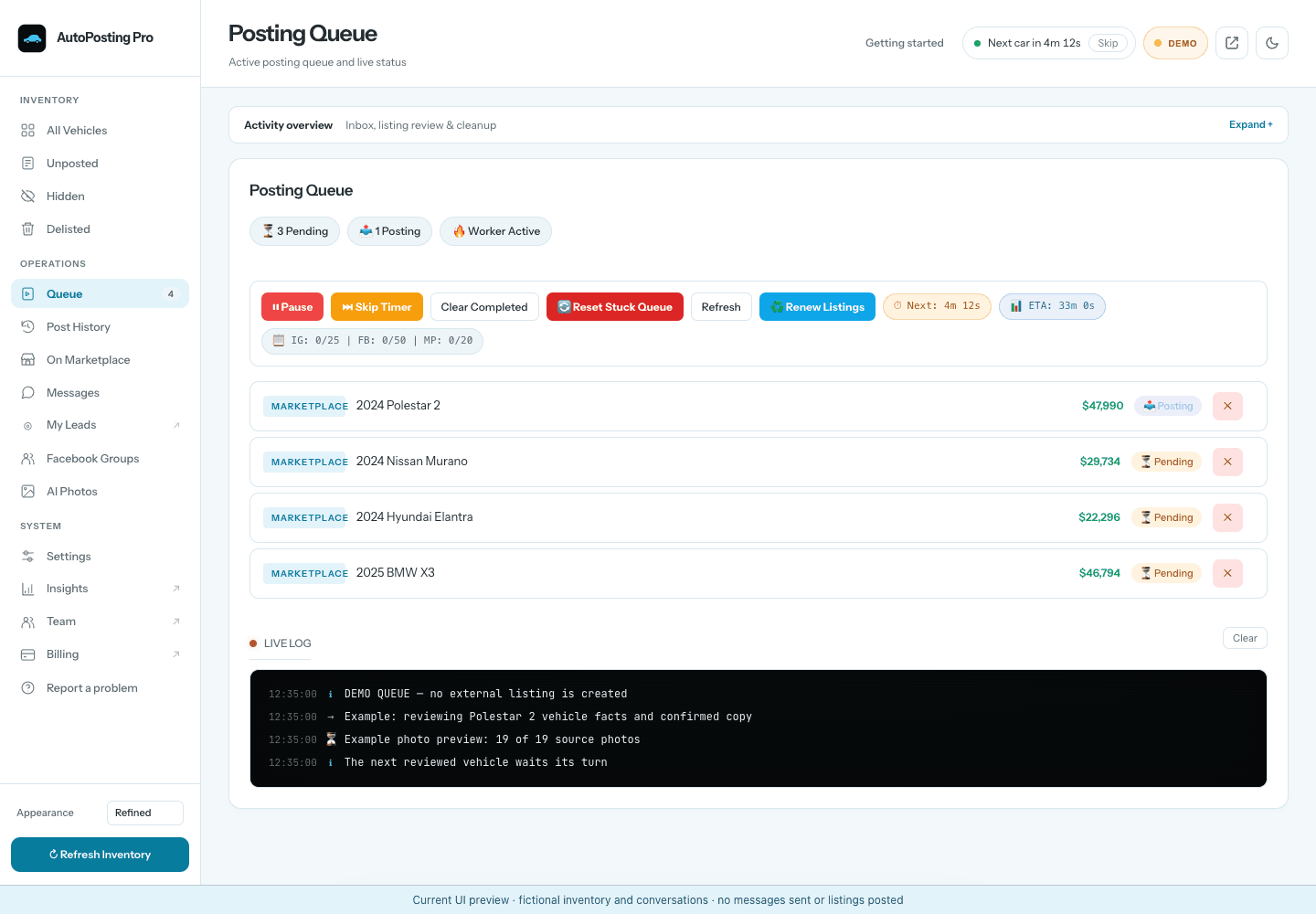
Queue a batch and keep working while Chrome remains open. Jobs use spaced delays instead of a machine-gun burst, with visible progress and a readable log.
Automatic renew and delist
With Chrome open, auto-renew renews every listing Facebook offers to renew, except sold cars, and needs no saved listing link. Sold cars are marked sold on the Facebook account that posted them. Facebook controls which actions are available.
Messages and guarded buyer replies
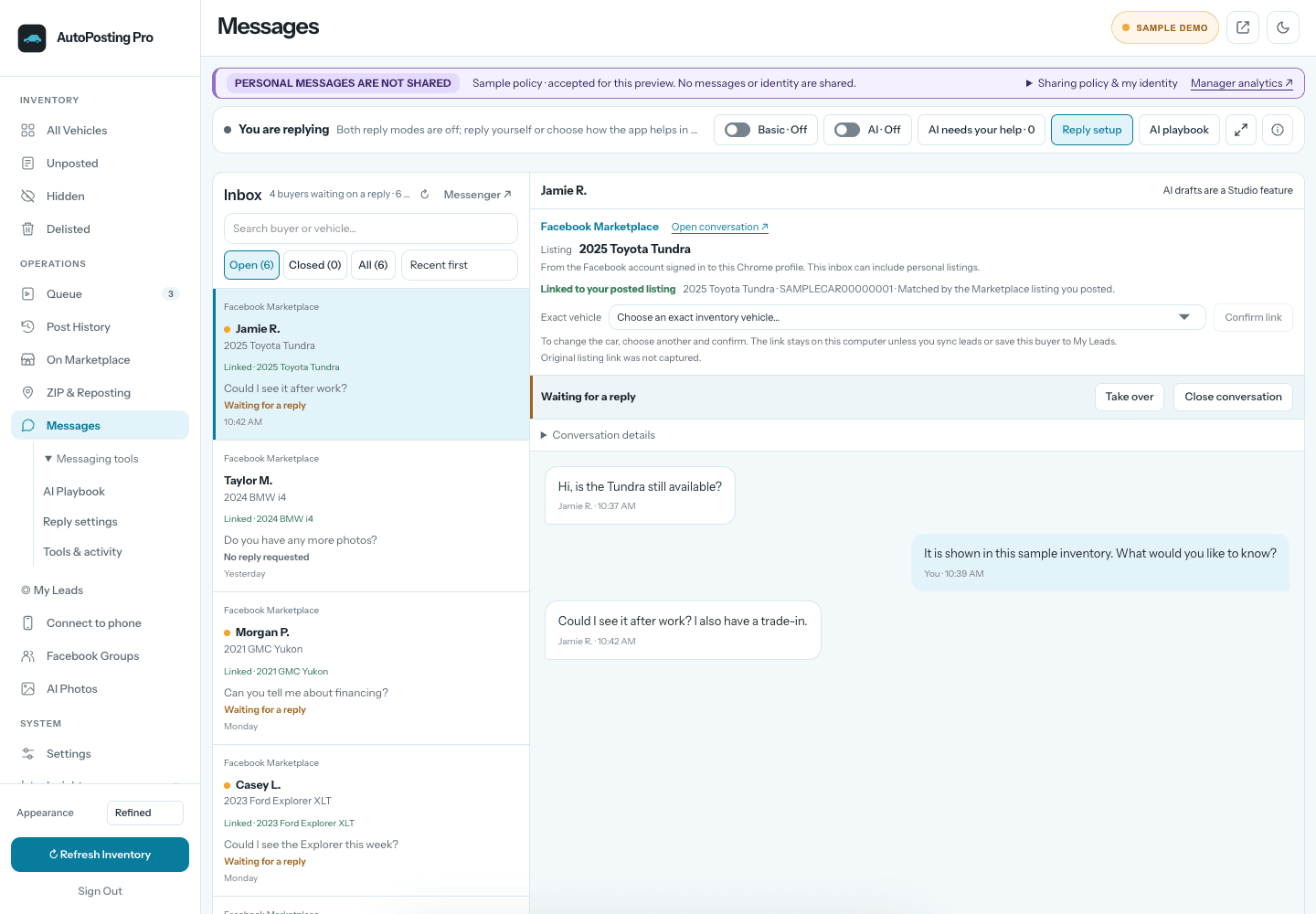
The public extension includes Marketplace Messages and a customizable template-based first-response auto-reply with a chosen delay, test mode and a one-reply-per-conversation guard. The template is written by the salesperson, not generated by AI.
Automatic AI captions you can edit
Create concise or detailed Marketplace captions from the vehicle’s verified specs, dealership description and features, with dealer-written instructions for tone, financing lines and contact details.
Gallery and lead-photo controls
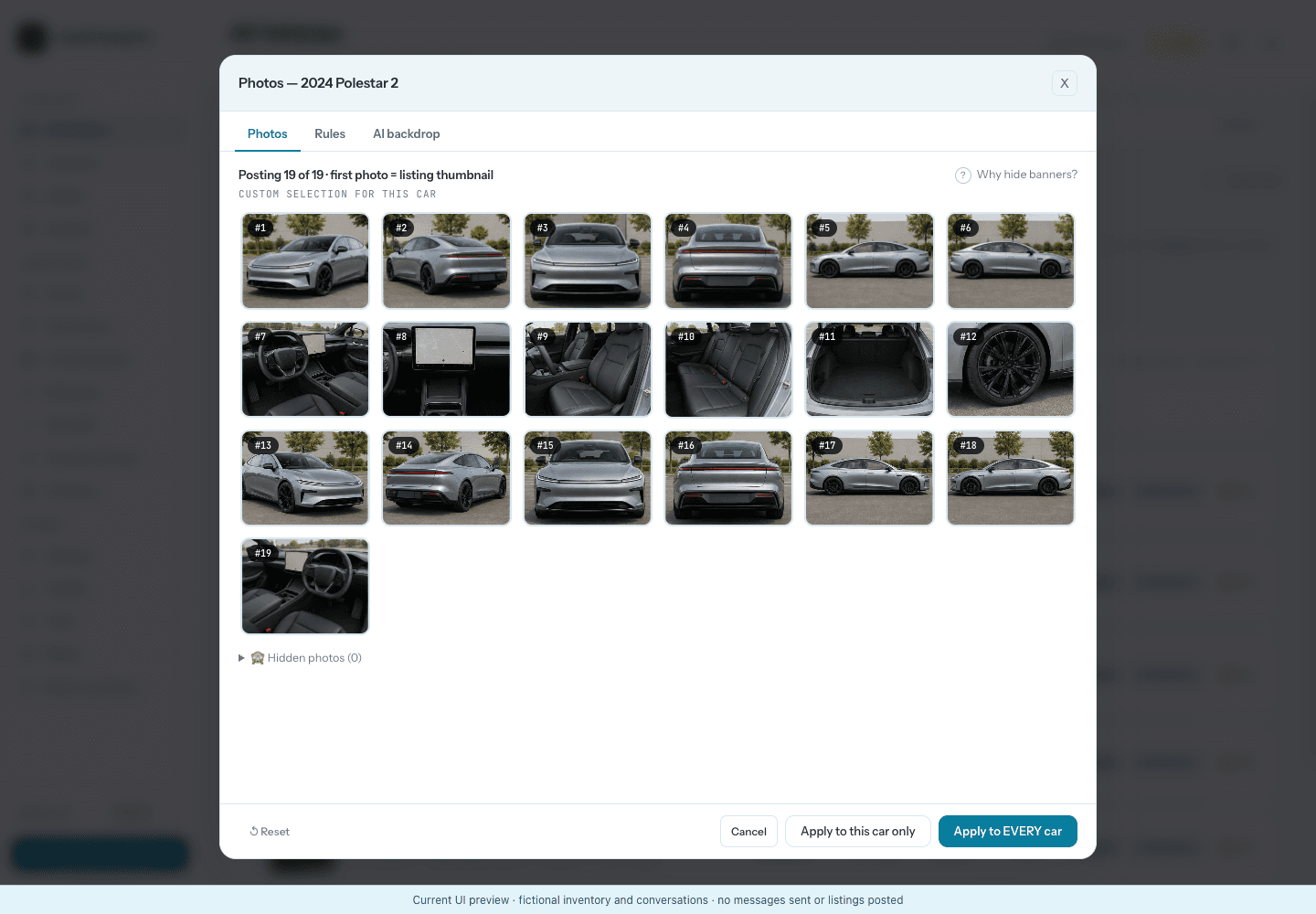
Keep photos tied to the correct vehicle, inspect likely dealer-banner frames, choose the lead image and review the exact gallery before it is queued.
AI photos and AI replies with Studio
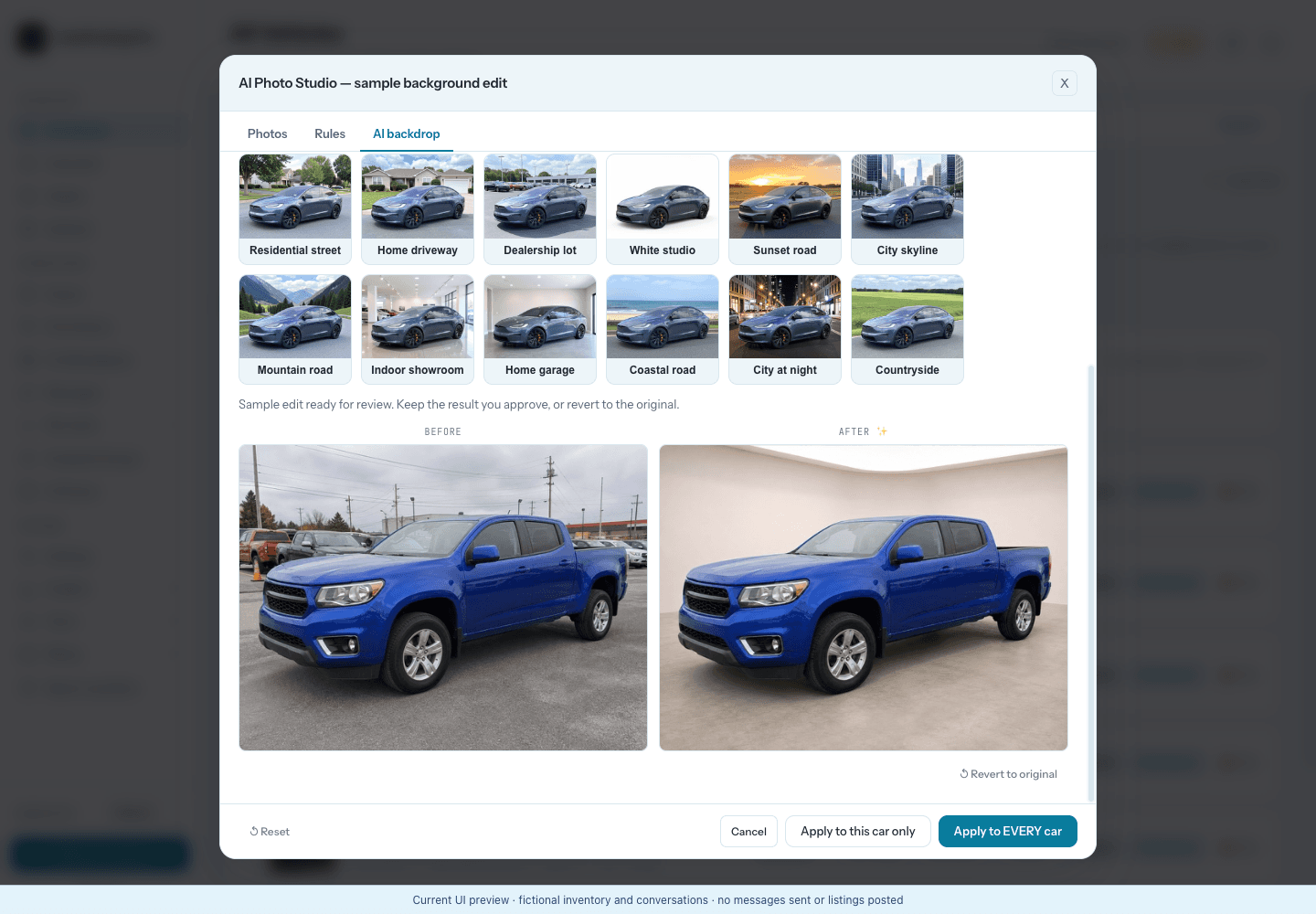
Studio adds reviewed AI photo editing and AI replies that answer your Marketplace buyers automatically. Prefer to approve each reply? Switch to drafts mode, or press Take over on any conversation.
Troubleshooting missing inventory or the wrong vehicle photos? Follow the inventory verification checklist.
Real extension UI, disclosed demo data.
The vehicles and activity are fictional seeded examples, labeled on-screen so a demonstration is never mistaken for a customer result.
Using the extension at your dealership
How do I connect dealership inventory to the Chrome extension?
Install AutoPosting Pro from the Chrome Web Store, sign in to your AutoPosting Pro account, register the public dealership inventory website and grant that exact site permission. Our server then reads the cars and their photos from that website, checks them before updating your inventory and reads the site again every night. No DMS feed or CSV is required.
Do I need another app or my Facebook password to post?
No separate desktop app is required for the Marketplace workflow, and AutoPosting Pro does not ask for your Facebook password. Sign in to Facebook in this Chrome profile. The extension uses that session for its visible posting queue. Facebook controls Marketplace access, listing acceptance and available actions.
Can the posting queue run after I close Chrome?
No. The queue runs on your computer in Chrome, so the computer and browser must remain online. A phone remote can monitor that computer; it does not move posting into the cloud or onto the phone.
What happens if a refresh misses vehicles or mixes up their photos?
Questionable inventory candidates are held for review instead of replacing the last known-good inventory. Check the source website against the imported vehicle details and each vehicle’s own gallery before queueing a listing. A blocked or incomplete refresh is not a successful inventory update.
How are AI captions different from Marketplace buyer replies?
AI captions write editable listing copy from the vehicle record. On Studio, AI replies answer Marketplace buyers automatically from the car’s real details and your playbook: they confirm availability, send the listing link and your phone number, and book visits within your saved hours. They won’t negotiate price or trade value over chat. Typing in a conversation pauses the AI for 30 minutes, Take over stops it for that buyer, and drafts mode lets you approve each reply. A separately enabled first-response template is written by the salesperson and can send after a chosen delay.
Your lot, ready for one verified queue.
Add the extension from the Chrome Web Store, sign in to Facebook in that Chrome profile, check your inventory and choose which vehicles enter the Marketplace queue. The phone remote can monitor that computer and browse its inventory while it remains online; listing review stays in Chrome. Studio adds AI photo editing and AI replies to Marketplace Messages.
Current plan: $9.90 first month, then $29.90/mo · no setup fee · month-to-month
Works with any public dealership inventory website. Verified inventory in 3 days—or your first month back.