Published by AutoPosting Pro on November 5, 2026. AutoPosting Pro is independent and is not affiliated with or approved by Facebook or Meta. Meta’s help pages could not be read without signing in during our review, so the 2023 change below is described from Meta’s published announcement as reported by Carscoops. Check the current rules in your own account before relying on them.
The short answer
Yes. Since 2023, the free way to put dealership cars on Facebook Marketplace is for salespeople to list them from their own personal Facebook profiles. In a 2022 announcement, Meta said business Pages would stop creating free vehicle listings on Marketplace from January 30, 2023, while individuals, including business owners and employees, could keep posting listings from their personal profiles.
So the question for a dealership is no longer whether its Page can post. It is how to run Marketplace well when the listings live on several people’s profiles: who posts which car, how prices stay right, who answers the buyer and what happens when a car sells or a salesperson leaves.
What changed for dealers in 2023
- Business Pages lost free vehicle listings. Meta said Pages could no longer create free listings for vehicles (and for real estate and rentals) from January 30, 2023.
- Existing Page listings were removed. Listings that business Pages had created were to be deleted after that date, and the Vehicles and Manage Inventory tabs on Pages were to be shut down in the markets that had them.
- Personal profiles were not affected. People selling their own car, and dealership employees posting from their personal profiles, could keep listing.
- Ads stayed available. Meta said businesses could still reach buyers through paid ads, which is a separate budget and setup from free Marketplace listings.
Facebook can change these rules again, and they can differ by country. Treat the date above as history and the notice in your own account as the current rule.
Personal profile, business Page or ads?
| Option | Who posts | Cost | What to watch |
|---|---|---|---|
| Marketplace listing from a personal profile | Each salesperson, from their own Facebook account | Free to list | Listings and messages belong to that person. Coordinate who lists which car. |
| Posts on the dealership’s business Page | Whoever manages the Page | Free to post | Since the 2023 change, Page posts are not free Marketplace listings. |
| Paid ads, including inventory ads | The store or its agency, from an ad account | Ad spend | Separate from Marketplace listings. Budget, targeting and reporting are set in Meta’s ad tools. |
Ground rules for salespeople posting store inventory
- Say it is a dealership car. Name the store in the description. Presenting a dealer car as a private sale misleads buyers and can break your state’s dealer advertising rules.
- List the full asking price. Put the real selling price in the price field, not a monthly payment, a down payment or a placeholder like $1. Keep fees and any conditions honest in the description.
- Post only cars that are actually available. Use that vehicle’s own photos, check the mileage and VIN against the inventory record, and take the listing down when the car is sold or on hold. The mark-sold guide covers the cleanup.
- Follow Facebook’s rules, not workarounds. Read the current Commerce Policies. Do not use extra accounts, borrowed profiles or misleading categories to get around a limit or a removal. The posting limits guide explains what to do when Facebook pauses you.
- Answer quickly and hand off cleanly. The buyer messages the salesperson, not the store. Agree how fast someone replies and how a conversation moves to a colleague on a day off. See how to respond to Marketplace leads faster.
How to run Marketplace as a sales team
1. Give everyone one inventory source
Every salesperson should list from the same current inventory, ideally the dealership website, so prices, mileage and photos match what a buyer sees on the site. Re-typing cars from a spreadsheet is where wrong prices and mixed-up photos creep in.
2. Assign each car to one person
Five listings of the same truck from five salespeople in the same town split the messages and make price changes five times the work. Split inventory by stock number, model or new and used, and keep the assignment where managers can see it.
3. Keep a record of who listed what
For each listing, note the vehicle, the salesperson, the date and the listing link. When a car sells, the manager knows whose listing to clear. When someone leaves, you know which listings they need to take down first.
4. Plan for a salesperson leaving
Because the listings sit on a personal profile, the store cannot take them over. Make cleanup part of the exit checklist: mark sold or delete each listing, pass open buyer conversations to a colleague, and reassign the cars.
Where AutoPosting Pro fits
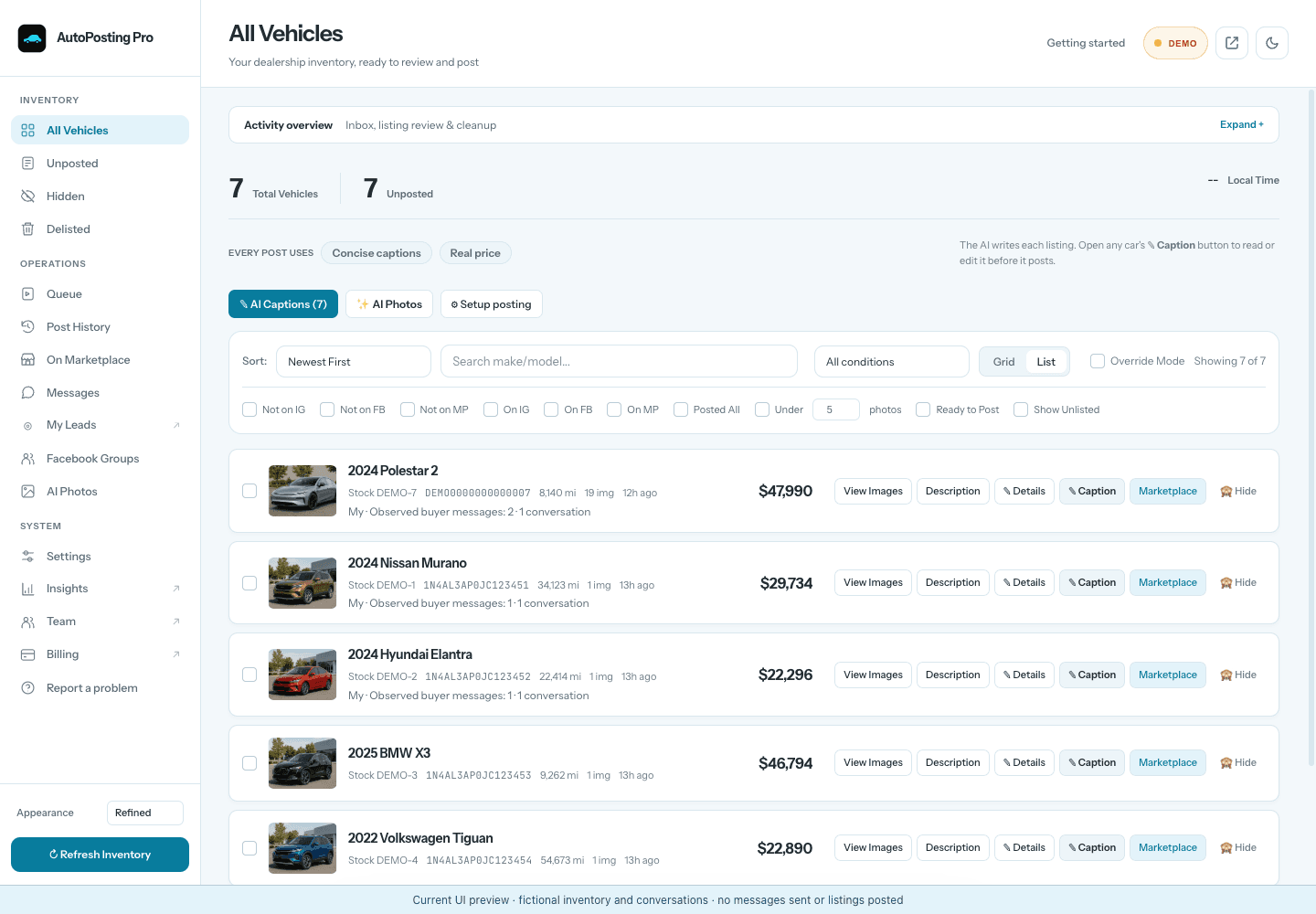
AutoPosting Pro is a Chrome extension built for this setup. Each salesperson posts from the Facebook account already signed into their own Chrome profile, and no Facebook password is given to AutoPosting Pro. Our server reads the dealership website every night, so the car’s details and photos come from the same source for everyone. The extension prepares an editable AI caption and a visible queue the salesperson reviews before posting.
For a single salesperson, Individual is $9.90 for the first month, then $29.90/month. For a team, Dealership is $499.00/month for one location with 10 people included, counting owners and managers, plus shared dealership inventory, owner, manager and salesperson logins and a manager view of what each person posted plus every lead. Prices are USD; see current plans and guarantee terms.
AI buyer replies come with Studio and Dealership AI, not with Individual or Dealership. Posting, renewals and AI replies run only while Chrome is open, your computer is awake and you're signed in to Facebook. Facebook decides which listings can be renewed, and now and then a listing will need a look from you. No tool can promise leads or sales.
Common questions
Can a dealership's Facebook business Page list cars on Marketplace?
Not as free Marketplace listings, according to Meta's 2022 announcement. Meta said that from January 30, 2023, business Pages could no longer create free vehicle listings on Marketplace, and that it would remove the Vehicles and Manage Inventory tabs from Pages where they existed. Paid reach through ads was not affected. Check Facebook's current help and Commerce Policies for your country before planning around it.
Is it allowed for a salesperson to post the dealership's cars from a personal profile?
Meta's announcement said business owners and employees could still post listings using their personal profiles. Those listings must still follow Facebook's Commerce Policies and any notice shown in the account. This guide is not a claim of Meta approval for any particular workflow, and Facebook decides what is accepted.
Should a salesperson say the car is at a dealership?
Yes. Say plainly that the car is offered by the dealership, name the store and list the full asking price. Buyers expect it once they ask, and many states regulate how dealers advertise vehicles, including how prices and fees are disclosed. Check your state's dealer advertising rules or ask your compliance contact.
What happens to my Marketplace listings if I leave the dealership?
The listings belong to your personal Facebook profile, not to the store. Before you leave, mark sold or delete every listing for a car you no longer sell, and hand open buyer conversations to a colleague. Managers should keep a record of which salesperson listed which vehicle so nothing is left live.
Can several salespeople list the same car?
They can, but it is usually a bad idea in the same local area. Duplicate listings split the buyer's messages, make the price harder to keep consistent and leave more listings to clean up when the car sells. Assign each vehicle to one salesperson, or split inventory by model or stock number.